Python
Real codeWrite and run real Python in your browser: values, decisions, loops and functions.
4 topics · 20 lesson screens · 8 hands-on tasks
Free first topic: Values and variables
No sign-up to start. Nothing to install.
Type real code in your browser and have every answer checked. If you want help, an AI tutor runs on your own computer, so your code stays with you.
Opens the first Python lesson. No account, no email.
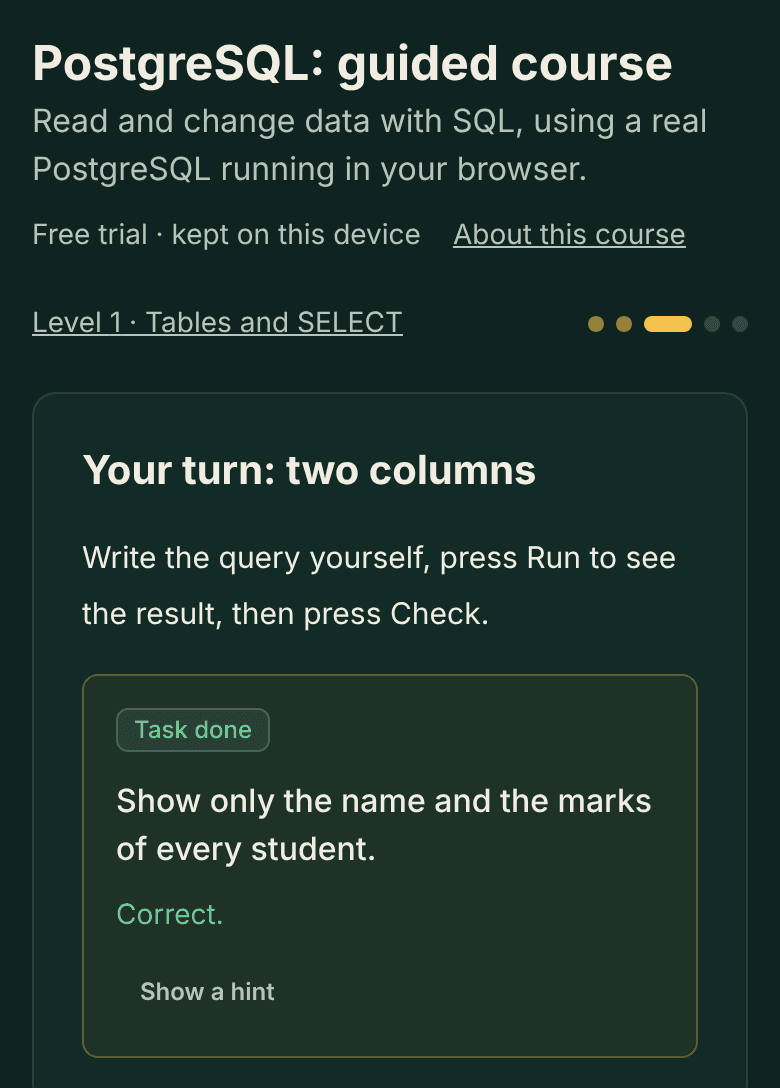
Read a short screen, try it in the editor beside it, and get your answer checked. Pass the quiz to open the next level. The first topic of every course is free, with no account.
Write and run real Python in your browser: values, decisions, loops and functions.
4 topics · 20 lesson screens · 8 hands-on tasks
Free first topic: Values and variables
Build real web pages in your browser: text, links, lists and forms.
4 topics · 20 lesson screens · 8 hands-on tasks
Free first topic: Text and headings
Style a real web page in your browser: colours, text, boxes and rows.
4 topics · 22 lesson screens · 10 hands-on tasks
Free first topic: Selectors and colour
Write and run real JavaScript in your browser: values, decisions, loops and functions.
4 topics · 20 lesson screens · 8 hands-on tasks
Free first topic: Values and variables
Write and run real TypeScript in your browser: values, decisions, loops and functions.
4 topics · 20 lesson screens · 8 hands-on tasks
Free first topic: Values and variables
Build React components in your browser, compiled and run by React itself.
4 topics · 19 lesson screens · 8 hands-on tasks
Free first topic: Components and JSX
Write and run real C in your browser: values, decisions, loops and functions.
4 topics · 20 lesson screens · 8 hands-on tasks
Free first topic: Values and variables
Write and run real C++ in your browser: values, decisions, loops and functions.
4 topics · 20 lesson screens · 8 hands-on tasks
Free first topic: Values and variables
Write and run real C# in your browser: values, decisions, loops and functions.
4 topics · 20 lesson screens · 8 hands-on tasks
Free first topic: Values and variables
Write and run real Java in your browser: values, decisions, loops and functions.
4 topics · 20 lesson screens · 8 hands-on tasks
Free first topic: Values and variables
Write and run real Rust in your browser: values, decisions, loops and functions.
4 topics · 20 lesson screens · 8 hands-on tasks
Free first topic: Values and variables
Write and run real Go in your browser: values, decisions, loops and functions.
4 topics · 20 lesson screens · 8 hands-on tasks
Free first topic: Values and variables
Write and run real Ruby in your browser: values, decisions, loops and functions.
4 topics · 20 lesson screens · 8 hands-on tasks
Free first topic: Values and variables
Write and run real Lua in your browser: values, decisions, loops and functions.
4 topics · 20 lesson screens · 8 hands-on tasks
Free first topic: Values and variables
Write and run real PHP in your browser: values, decisions, loops and functions.
4 topics · 20 lesson screens · 8 hands-on tasks
Free first topic: Values and variables
Read and change data with SQL, using a real PostgreSQL running in your browser.
4 topics · 22 lesson screens · 10 hands-on tasks
Free first topic: Tables and SELECT
Read and change data with SQL, using a real SQLite running in your browser.
4 topics · 22 lesson screens · 10 hands-on tasks
Free first topic: Tables and SELECT
Pull images and run, name, publish and clean up containers, in a simulated Docker that behaves like the real one.
4 topics · 19 lesson screens · 8 hands-on tasks
Free first topic: Images: pulling and listing
Run, scale, update and expose applications with kubectl, on a simulated cluster that behaves like a real one.
4 topics · 17 lesson screens · 8 hands-on tasks
Free first topic: Pods
Build phone app screens with real React Native code, running in your browser.
4 topics · 22 lesson screens · 9 hands-on tasks
Free first topic: Components and text
Build 3D and VR scenes with HTML tags, drawn in your browser. No headset needed.
4 topics · 21 lesson screens · 9 hands-on tasks
Free first topic: A scene and its shapes
Every topic follows the same three moves. Pass the quiz at the end of a level to open the next one.
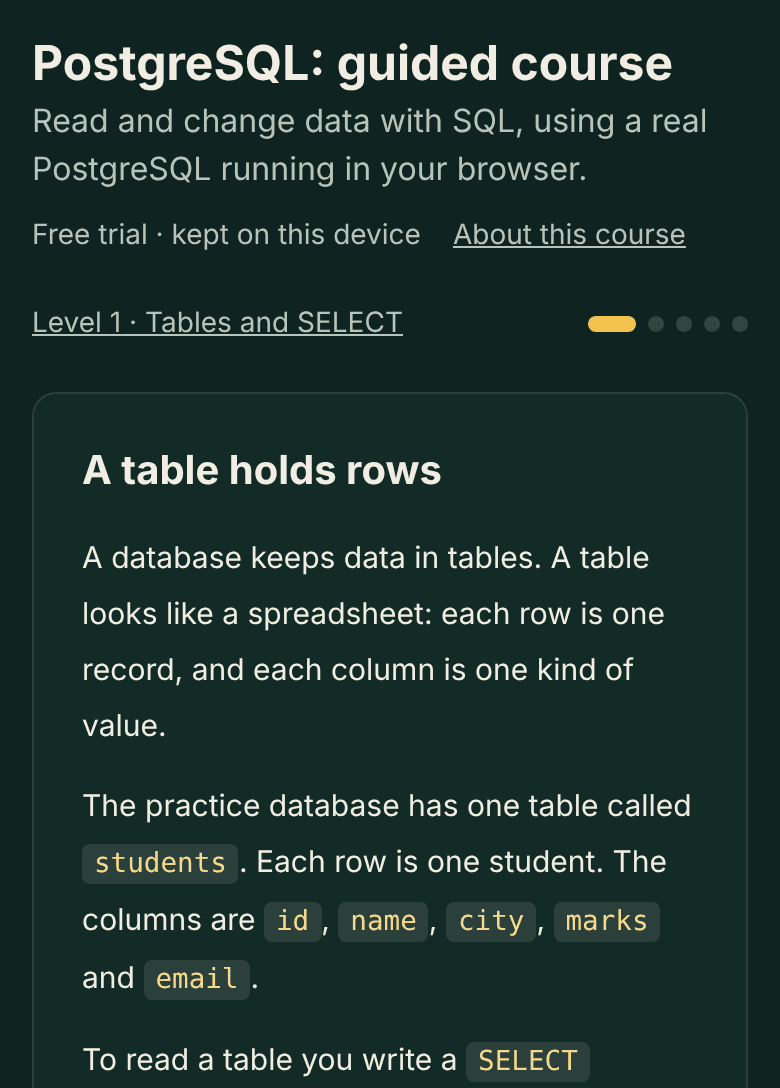
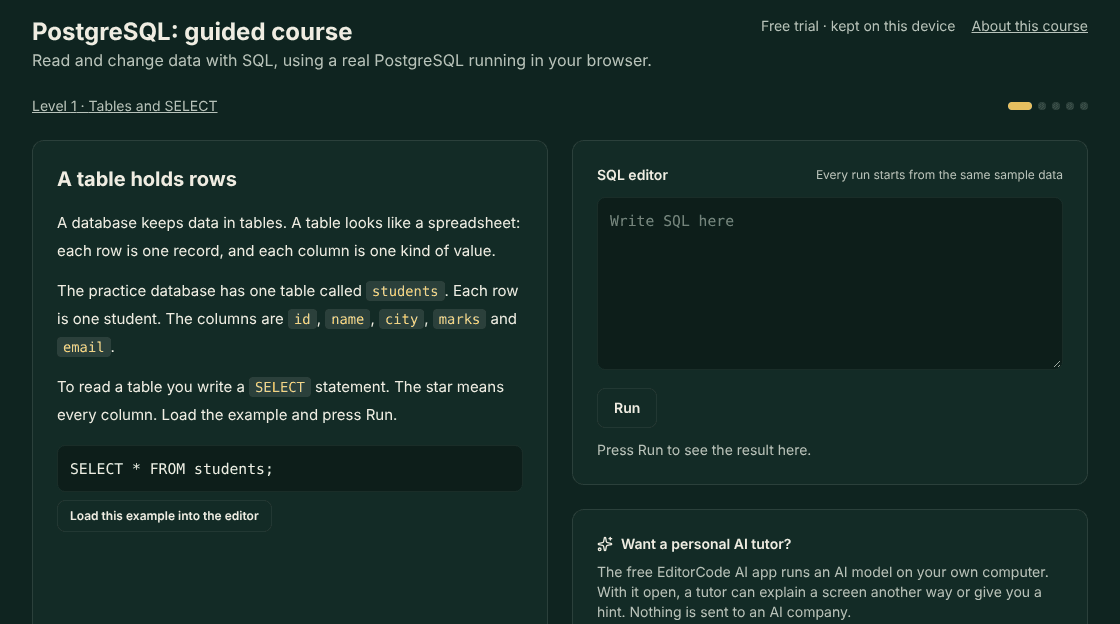
Each screen explains a single thing in a few lines, with an example you can load into the editor.
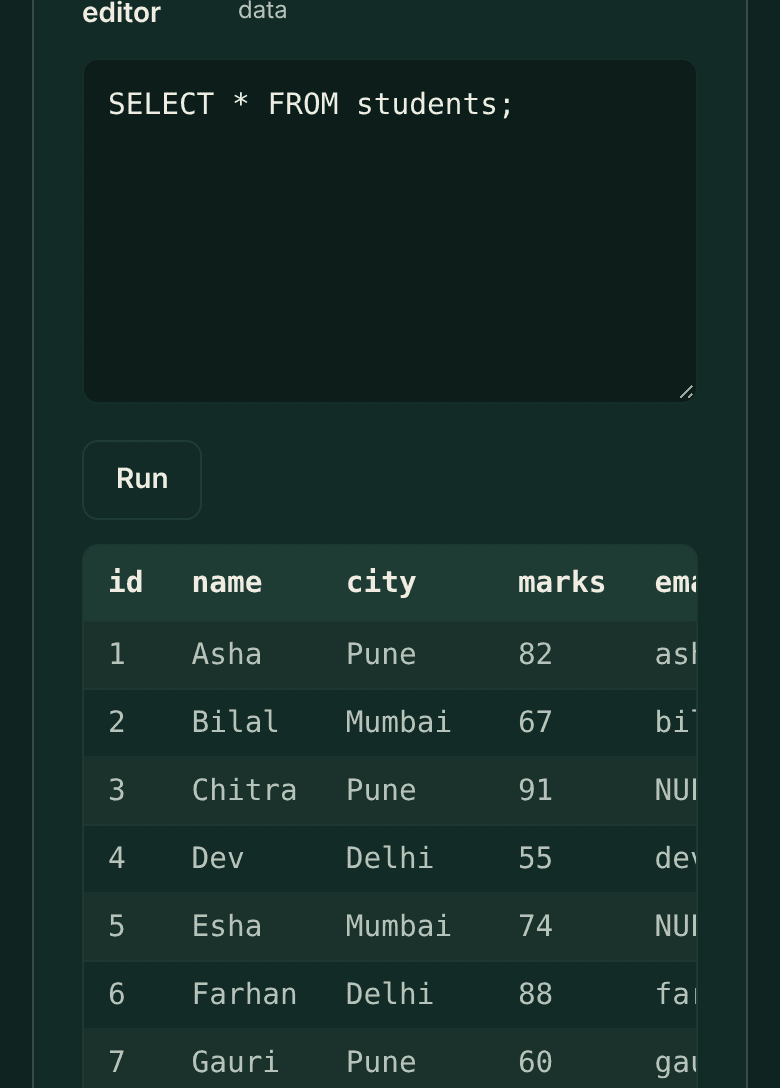
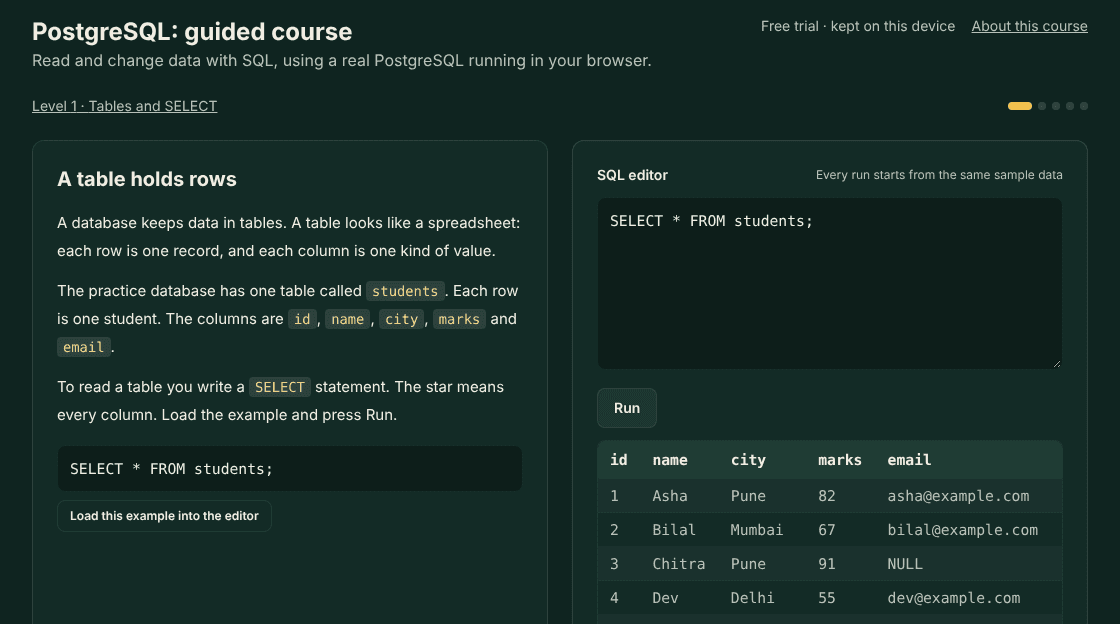
Run the example, change it, break it. PostgreSQL answers in its own words, including its errors.
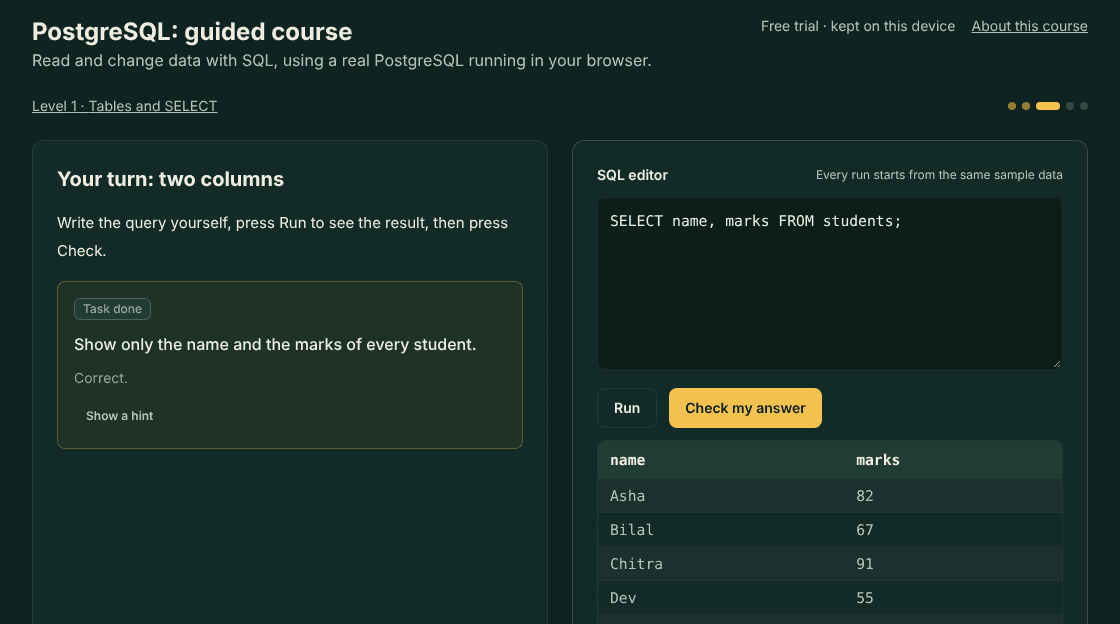
Tasks are checked against the real result. If you miss, you are told what was expected, and a hint is one click away.
Most AI helpers send your work to a company's servers. This one does not. Install the free EditorCode AI desktop app, download a model once, and get help inside any lesson.
The tutor runs on your own computer. Your lesson and your code are sent to the app on your machine, not to our servers.
Ask it to explain a screen differently, give a hint, or say why your answer was not accepted.
Choose from a library of open models sorted into Fast, Balanced and Most capable. We run models on real lesson questions and tell you which ones did well.
Every lesson works without it. Nothing on your computer is looked for until you say the app is open.
Paste a GitHub, GitLab, Bitbucket or Azure Repos address. We work out what the project is, run what a browser can run, and let you change it and push it back. Your code never reaches our servers.
Run your classes on the same lessons and labs your students practise with. Trainer accounts are free. Organisation workspaces are set up with our team.
It needs no account, and your work carries over if you sign up afterwards.